Tabs & collapsibles
Many themes show product details in tabs or collapsible rows. With the parent target selector, you can place your specification table right inside them.
Basic technical knowledge needed
This guide requires finding a CSS selector in your browser’s developer tools. If you’re not comfortable with it, contact our support and we’ll help you find the right selector.
Why a selector is needed
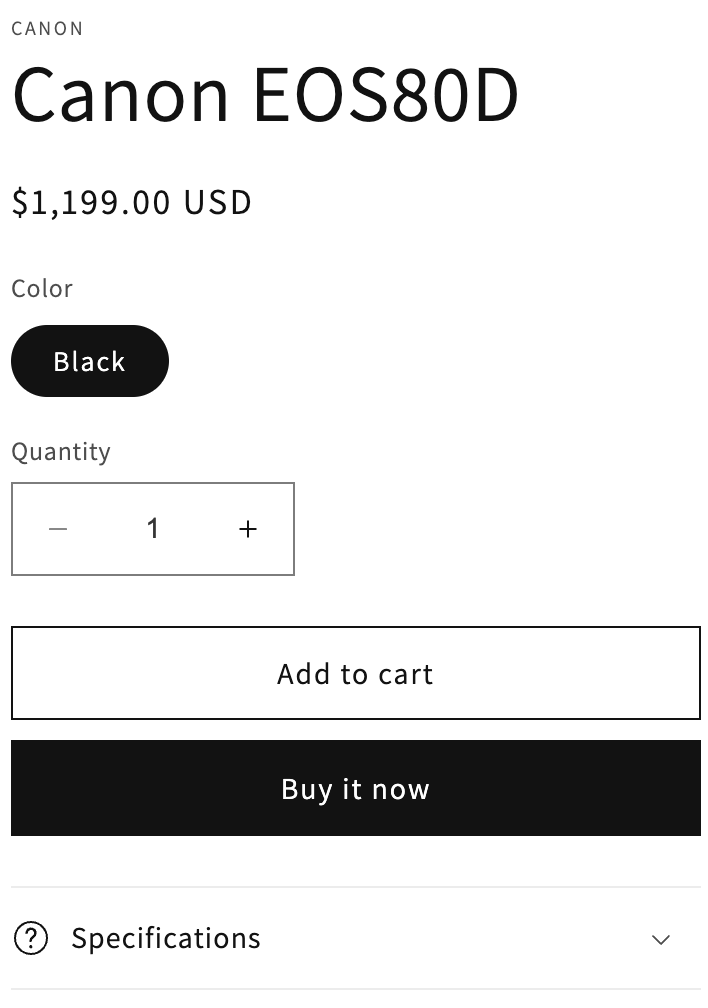
Shopify doesn’t let you drop an app block inside another theme block, such as a collapsible row. The app works around this: you add the table block anywhere in the section, and tell it in which element of the page it should move itself.
The Parent target selector setting is available in the specification table, comparison table and variant comparison table blocks.
Set it up
Add the collapsible and the table
In the theme editor, add a collapsible row (or tab) to your product section, with a title such as “Specifications”. Then add the Specification table block to the same section.
Find the selector of the collapsible content
Open your product page in Chrome, right-click inside the collapsible content and choose Inspect. Find the element that wraps the content and note a selector that identifies it uniquely — ideally based on its
id.For example, in the Dawn theme, the HTML of a collapsible row looks like this:

A suitable selector is:
#Details-9df8a6da-fabb-4090-a61b-e38cf25d03dd-template--18835755761976__main .accordion__contentPaste it in the block
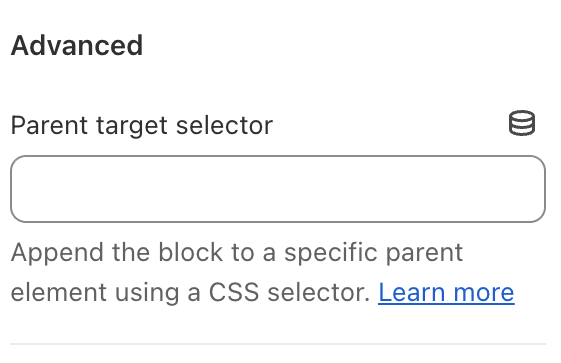
Select the specification table block in the theme editor, paste the selector in Parent target selector (in the Advanced category) and click Save.
Make the selector unique
The selector must match a single element of the page. Selectors based on an id are the most reliable.
What happens behind the scenes
To avoid content jumping around while the page loads, the table is hidden until it has been moved to its destination. If the selector doesn’t match any element (because of a typo, or after a theme update changed the HTML), the table is simply displayed where the block was added.