
Dynamic comparisonPro
With dynamic comparison, shoppers pick the products they want to compare while browsing — and get a comparison table built instantly from your specifications.
Pro plan feature
Dynamic comparison is available on the Pro plan. You can change your plan from Plans in the app navigation.
How it works for customers
- While browsing a collection or search results, customers tick Add to compare on the product cards they’re interested in. The checkbox is also available on product pages.
- A compare bar appears at the bottom of the screen, showing the number of products selected.
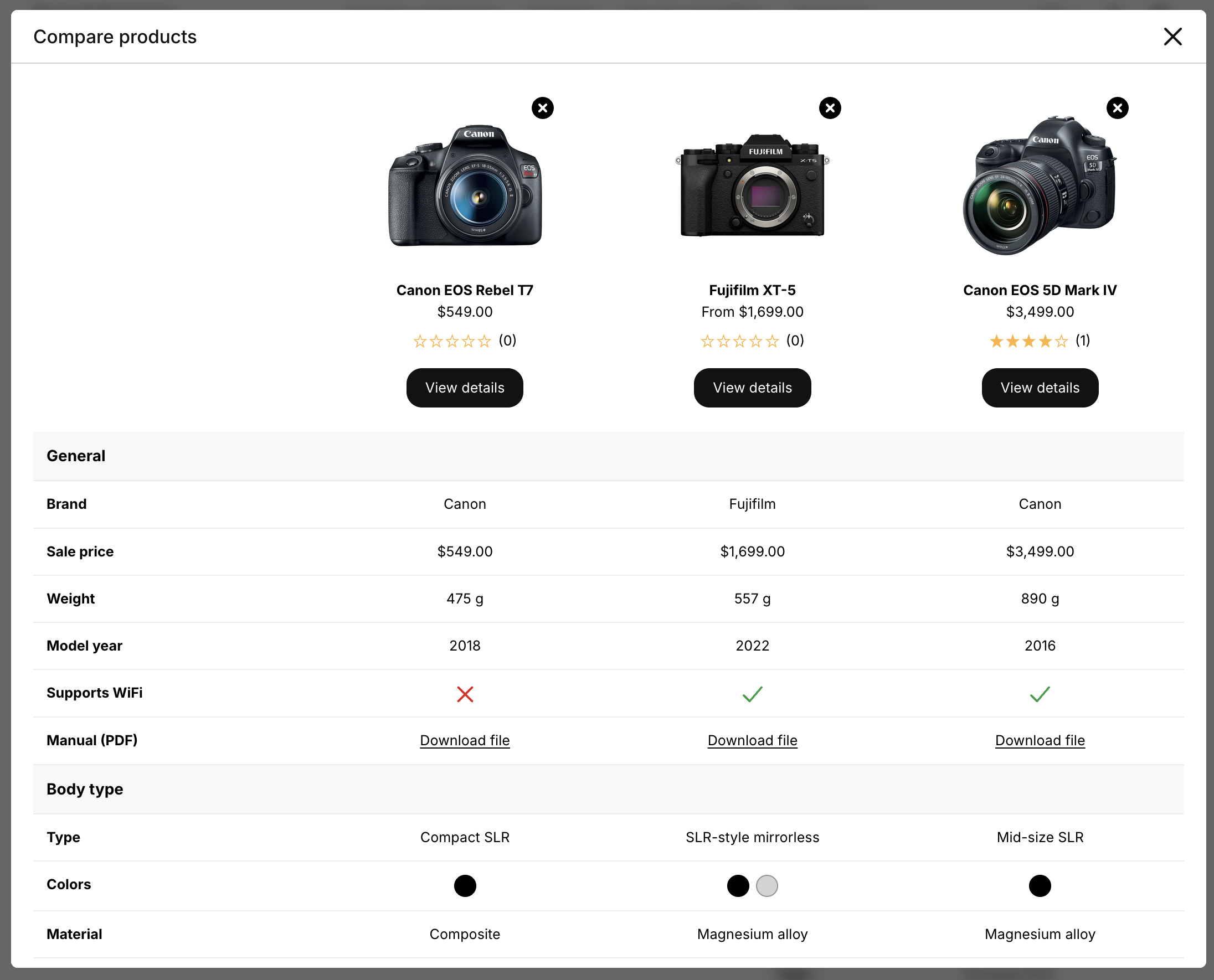
- Clicking Compare opens a dialog with a comparison table of the selected products.
The list of selected products is remembered while customers browse your store, so they can add products from different pages. Customers can compare up to 10 products at once: once the limit is reached, the remaining checkboxes are disabled until a product is removed.
Dynamic comparison or comparison table?
| Comparison table | Dynamic comparison | |
|---|---|---|
| Products compared | Chosen by you | Chosen by the customer |
| Where | Product pages, landing pages | Collection, search and product pages |
| Setup effort | Pick products for each product | Turn on once for the whole store |
| Best for | Small catalogs, curated comparisons | Large catalogs with many similar products |
| Plan | All plans | Pro |
If your store has few products, curated comparison tables are often enough. Both features can be used together.
Only products with a table can be compared
Products are compared using their specification tables. Make sure products shown on your collection pages have a table assigned — and preferably the same table, so their attributes can be compared. Use Show only on selected collections and Clear compare list on page change to prevent customers from comparing unrelated products.